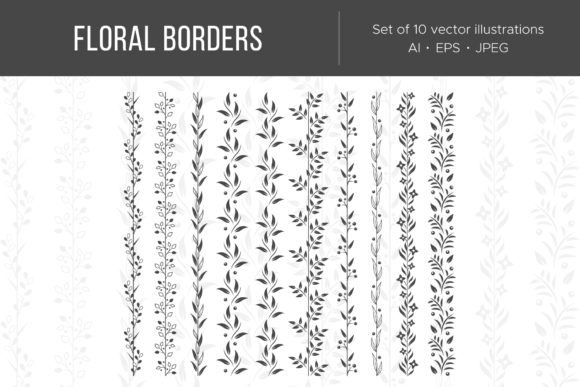
Floral Borders and Garlands: A Practical Guide to Botanical Design Assets
In the vast landscape of digital and print design, few elements possess the timeless versatility of botanical motifs. Whether you are crafting a wedding invitation, designing product packaging, or building a website header, Floral Borders and Garlands serve as essential framing devices that guide the eye and establish an emotional tone. Unlike simple background textures, these decorative assets provide structure, hierarchy, and a touch of organic elegance to any composition. For designers and business owners alike, understanding how to effectively source, manage, and implement these graphics is crucial for maintaining high production standards.
This guide explores the practical application of floral design assets, focusing specifically on the utility of seamless patterns and the technical advantages of multi-format ZIP packages containing AI, EPS, and JPEG files. We will move beyond aesthetic appreciation to discuss workflow integration, file selection, and real-world scenarios where these elements transform ordinary projects into professional-grade creations.
The Functional Role of Botanical Framing
While often categorized as mere decoration, Floral Borders and Garlands perform heavy lifting in visual communication. Their primary function is spatial organization. A well-placed garland creates a natural container for text, separating content from negative space without the harshness of geometric lines. This is particularly valuable in editorial design and web layouts where readability must coexist with artistic flair.
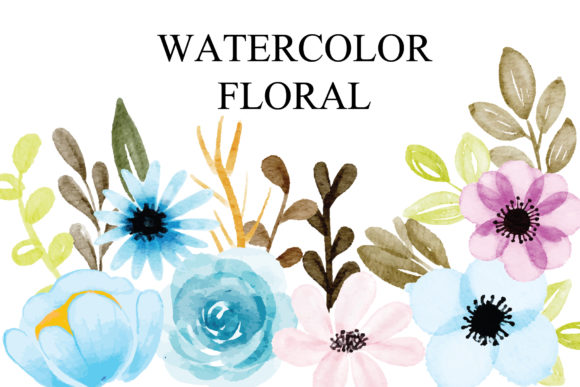
Furthermore, these elements act as stylistic anchors. The specific type of flora depicted—be it wild meadow flowers, tropical foliage, or classic roses—instantly communicates the brand identity or event theme. A minimalist line-art border suggests modernity and sophistication, while a lush, watercolor-style garland implies tradition, romance, or artisanal quality. Understanding this semiotic value allows creators to select assets that reinforce their message rather than distract from it.
Seamless Floral Borders and Garlands for Digital Continuity
One of the most critical distinctions in modern asset libraries is the availability of seamless floral borders and garlands. In traditional illustration, a border has a definitive start and end point. However, in responsive web design and large-format printing, fixed dimensions are often a liability. Seamless assets solve this problem through precise tiling logic.
When utilizing seamless variations, the left edge of the graphic perfectly mirrors the right edge, allowing the pattern to repeat infinitely without visible breaks or misalignment. This capability is indispensable for:
- Responsive Web Headers: Ensuring the floral motif extends correctly across mobile, tablet, and desktop viewports without cropping important details.
- Roll Labels and Packaging: Allowing continuous printing on cylindrical surfaces where the design must wrap around seamlessly.
- Textile and Wallpaper Design: Creating repeating surface patterns that maintain visual rhythm over large areas.
For professionals, verifying the seamlessness of an asset before purchase or download saves hours of manual retouching. Always test the tile in your software of choice to ensure color consistency and alignment at the junction points.
Navigating File Formats: AI, EPS, and JPEG
A significant advantage of professional-grade asset packs is the inclusion of multiple file formats within a single ZIP archive. Receiving a bundle that includes AI, EPS, and JPEG versions is not redundant; it is a workflow necessity. Each format serves a distinct purpose in the production pipeline, and knowing when to use which is a hallmark of experienced design practice.
Adobe Illustrator (AI) Files
The AI file is the native source format. It retains all editable vector paths, layers, and color swatches. This is the master file you should use when customization is required. If you need to change the hue of a petal to match a specific Pantone color, remove a leaf that clashes with your logo, or scale the garland to fit a billboard without pixelation, the AI file is mandatory. It offers non-destructive editing capabilities that preserve the integrity of the original artwork.
Encapsulated PostScript (EPS)
Think of EPS as the universal translator of vector graphics. While AI files require Adobe Illustrator, EPS files can be opened and edited in a wide range of vector software, including CorelDRAW, Affinity Designer, and Inkscape. Even if you do not plan to edit the artwork, EPS is often the preferred format for professional print shops due to its compatibility with older RIP (Raster Image Processor) systems. Including EPS in your workflow ensures that your Floral Borders and Garlands remain accessible regardless of software updates or platform changes.
JPEG Rasters
Not every task requires vector manipulation. JPEG files included in the ZIP serve as lightweight, ready-to-use rasters. They are ideal for quick mockups, client presentations, social media posts, or placement in documents where vector support is limited (such as Microsoft Word or basic email newsletters). Having a high-resolution JPEG version allows non-designers on your team to utilize the assets without needing specialized training or expensive software licenses.
Real-World Applications and Scenarios
The theoretical benefits of these assets become clear when applied to specific industry challenges. Below are common scenarios where Floral Borders and Garlands provide tangible solutions.
Wedding and Event Stationery
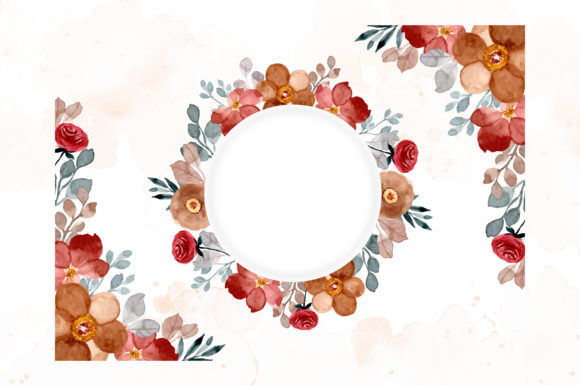
In the stationery industry, margins are tight and customization is expected. A designer might purchase a single comprehensive ZIP pack containing various floral elements. Using the AI files, they can mix and match individual stems to create a bespoke arch for an invitation suite. The seamless versions can then be used for the reception table runner or dance floor decal. Because the assets share a consistent artistic style, the entire event branding feels cohesive without the designer having to illustrate every element from scratch.
E-Commerce and Product Photography
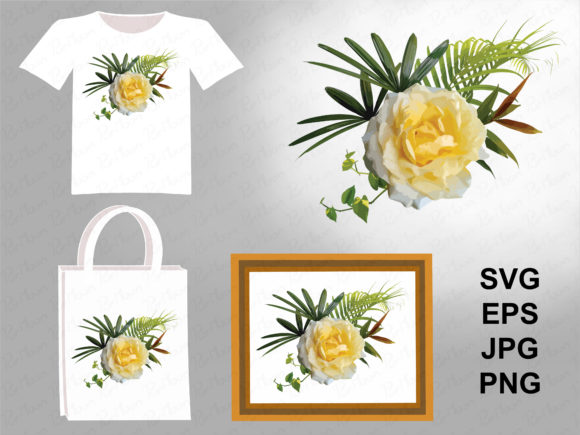
Online sellers frequently need to elevate product photography without expensive prop styling. Seamless floral borders can be overlaid in post-production to frame product shots, adding context and seasonality. For example, a skincare brand launching a spring collection might use a delicate cherry blossom garland to border their Instagram carousel ads. The JPEG format allows for quick implementation in Canva or Photoshop, while the transparency (if provided in PNG/EPS) ensures the product remains the focal point.
Corporate Reports and Annual Reviews
Even conservative corporate documents benefit from organic softening. A financial report or sustainability white paper can feel sterile and intimidating. Integrating subtle, monochromatic floral borders in the page margins or section dividers can make dense information more approachable. Here, the vector formats shine, as they allow the designer to recolor vibrant botanicals into muted brand tones, ensuring the decoration supports rather than undermines the professional gravity of the document.
Evaluating Suitability and Quality
Not all floral assets are created equal. When selecting Floral Borders and Garlands for a project, consider the following criteria to ensure the asset meets professional standards:
- Node Efficiency: Open the AI or EPS file and inspect the vector paths. Poorly digitized florals may have excessive anchor points, leading to large file sizes and slow rendering. Clean, optimized curves indicate a professionally crafted asset.
- Color Mode Compatibility: Check whether the source files are in CMYK or RGB. If you are designing for print, starting with a CMYK-native file prevents unexpected color shifts during conversion. Conversely, RGB is preferable for screen-only projects to maintain vibrancy.
- Licensing Clarity: Always review the usage terms. Some licenses permit unlimited commercial use, while others restrict the number of impressions or prohibit use in products intended for resale. Ensure the license aligns with your business model.
- Stylistic Consistency: If purchasing a bundle, verify that all elements share the same stroke weight, shading technique, and perspective. Mixing incompatible styles within a single border creates visual dissonance that undermines the design's professionalism.
Best Practices for Implementation
To maximize the value of your floral assets, adopt a systematic approach to integration. Avoid simply dropping a pre-made border onto a canvas. Instead, treat the asset as raw material. Deconstruct the garland, rearrange the flow, and adjust the density to fit your specific layout. Use masking techniques to fade edges softly into backgrounds rather than relying on hard cutoffs.
Additionally, maintain an organized asset library. Rename files descriptively upon extraction from the ZIP (e.g., "Watercolor-Rose-Garland-Seamless-CMYK.ai") rather than keeping generic filenames. This small administrative step significantly reduces search time during future projects. By combining technical proficiency with creative adaptation, Floral Borders and Garlands evolve from static clip art into dynamic design tools that enhance clarity, beauty, and brand recognition across all mediums.